Bring Out the Best in Every ImageLocal Editing·Zero Cloud Upload
A browser-based photo editor that processes your selected image on your device. Edit in real time, keep the original in the current browser session, and export in the format you need.
A Clear Path from Composition to Export
Shape the composition, refine light and color, retouch specific areas, then add text or a watermark—all on one canvas, without jumping between apps.
Refine Light and Color
Adjust exposure, contrast, white balance, hue, saturation, highlights, and shadows to establish the overall tone.
Correct Framing and Composition
Crop to a preset or custom aspect ratio, then rotate, straighten, or flip the image until the frame feels right.
Retouch Details and Texture
Use liquify and brushes for local edits, add blur or pixelation effects, or replace pixels that match a sampled color range.
Add Context, Then Export
Add text, drawings, and watermarks, then export as PNG, JPG, WebP, or PDF for the task at hand.

Color & Light
Bring Every Color into Balance
Layer Effects with Hierarchy
Stack adjustments across multiple layers, reorder hierarchy with full flexibility, and blend color, light, and blur effects for rich visual depth.
One Familiar Workflow
Editing tools share a consistent sidebar and canvas feedback, so there is less to relearn as you move between tasks.
Four Export Formats
Choose PNG, JPG, WebP, or PDF for websites, social media, presentations, or print.
From Import to Export
Handle composition, color, effects, annotation, and delivery in a single workspace.
Craft a Signature Aesthetic Across Every Social Platform
Whether for Instagram grids, Pinterest aesthetic boards, or photo portfolios—fine-tune lighting and HSL color to establish a cohesive, eye-catching visual identity in seconds.
Precision Tonal & Lighting Control
HSL & LightingEffortlessly tune white balance, hue, saturation, highlights, and shadows to perfect every tone and exposure detail.
Atmospheric Mood & Color Balance
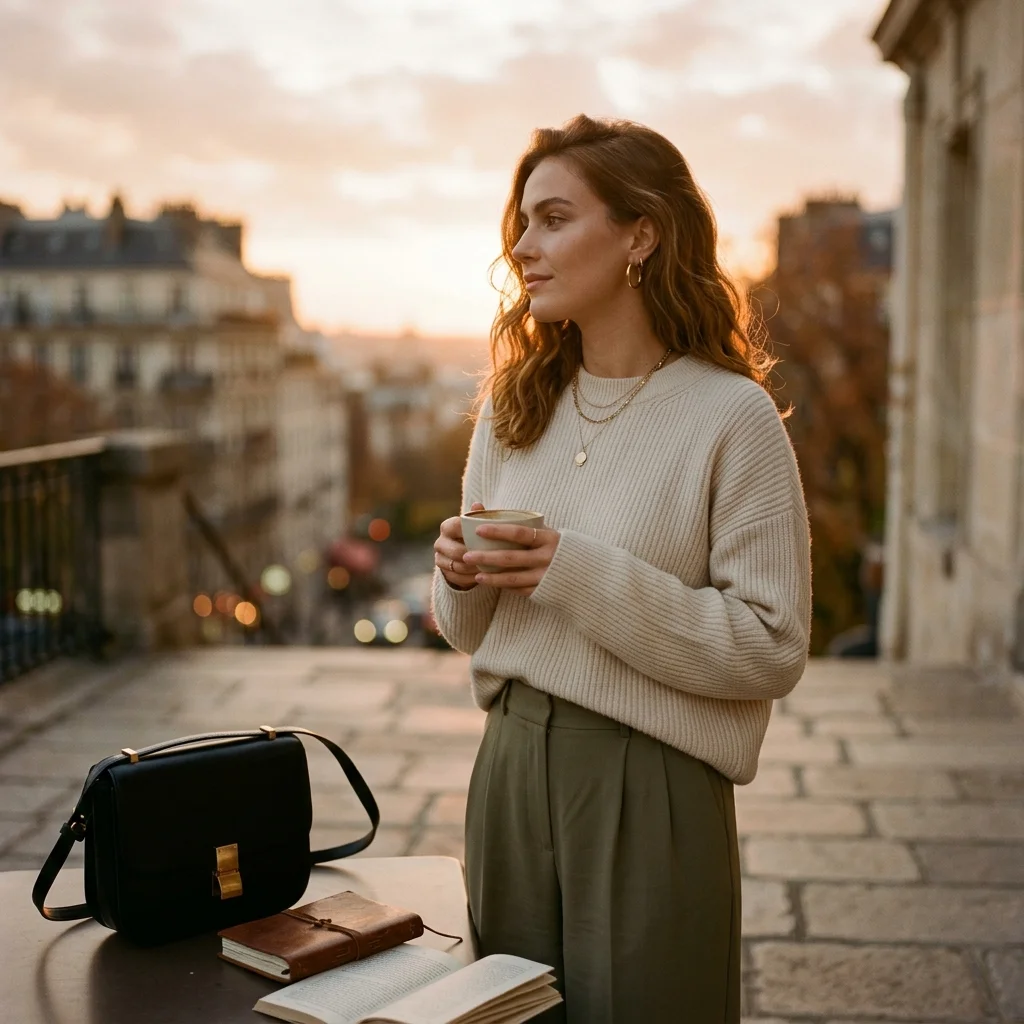
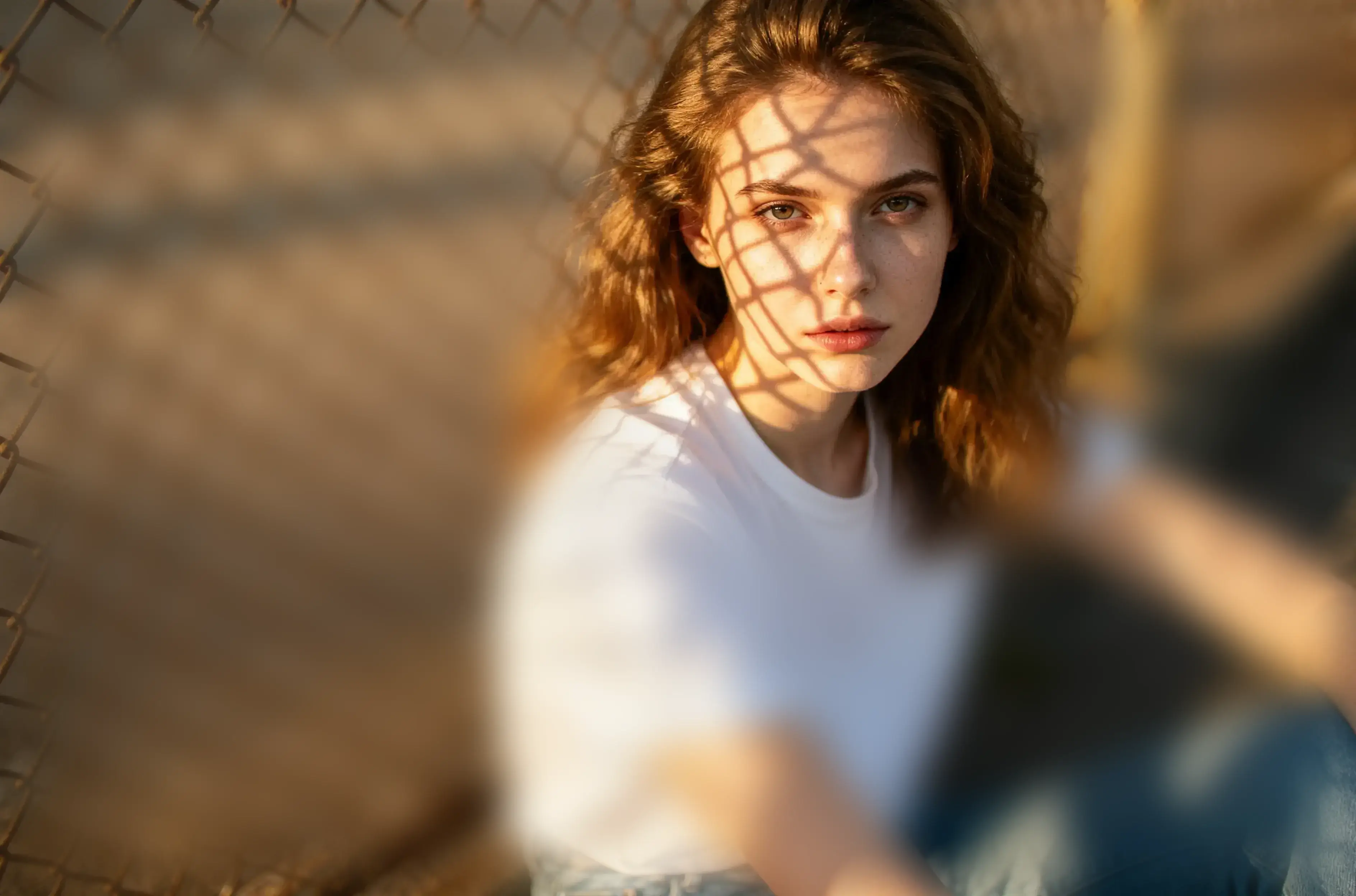
Aesthetic TonesSwitch between warm golden hours, crisp minimal hues, or vintage film aesthetics instantly.
Zero Compression & Lossless Quality
100% LosslessPowered by local WebGL rendering—no cloud re-compression, preserving razor-sharp detail from DSLR cameras and high-res sensors.
Unreleased Shoot Privacy Guarantee
Total Creator PrivacyUnpublished drafts and raw photos stay strictly on your local browser. Zero server uploads guarantee 100% creator confidentiality.


See How Each Adjustment Changes the Image
Controls are organized around composition, color, effects, and local edits, so you can compare and refine every change without losing sight of the canvas.
Fine-tune light and color
Balance overall color with white balance, tonal controls, hue, and saturation; use color replacement for a sampled range.
Build depth with effects and texture
Shape depth and atmosphere with radial blur, directional blur, pixelation, and creative toning.
Retouch details and add context
Use local liquify and brush tools, match color ranges for replacement, then add text and watermarks.
Edit in Your Browser. Keep Your Image on Your Device.
After you open an image, editing and export are handled in the current browser tab. The editor does not send the image to a remote processing queue or store it in a cloud library.
You Choose What to Open
The page can access only the file you choose with the file picker. It cannot browse or scan unrelated files on your device.
Processed Locally
Pixel processing runs in the current browser session. The editor does not send the original to a remote service for processing.
No Remote Image Library
visdraw does not add your original, edited versions, or image metadata to a remote image library.
Cleared When the Session Ends
Refreshing or closing the page ends the current editing session, allowing the browser to release that tab’s image and rendering data.
“I used to launch a heavy desktop app even for quick edits and rough concepts. Now I can open an image in the browser and get straight to work, with responsive brushes, color controls, and effects all in one place.”
“What reassures me most is that the editor processes image data in the browser instead of uploading client assets for editing. The annotation and fine-adjustment tools also make design reviews much easier for the whole team.”
“The light, color, and texture controls give me enough room to make deliberate adjustments instead of relying only on presets. When a specific color needs changing, I can also replace a sampled color range.”
Get Your Next Image Just Right
Import a photo and move from composition and color to targeted retouching and export at your own pace. The tools are ready; the final call is yours.