Professional Image Editing in Minutes, No Software Required
Powerful online image editor that makes your creativity more efficient. Crop, split, watermark, color adjust, geometry transform - all features ready to use in your browser, completely free and privacy-protected.
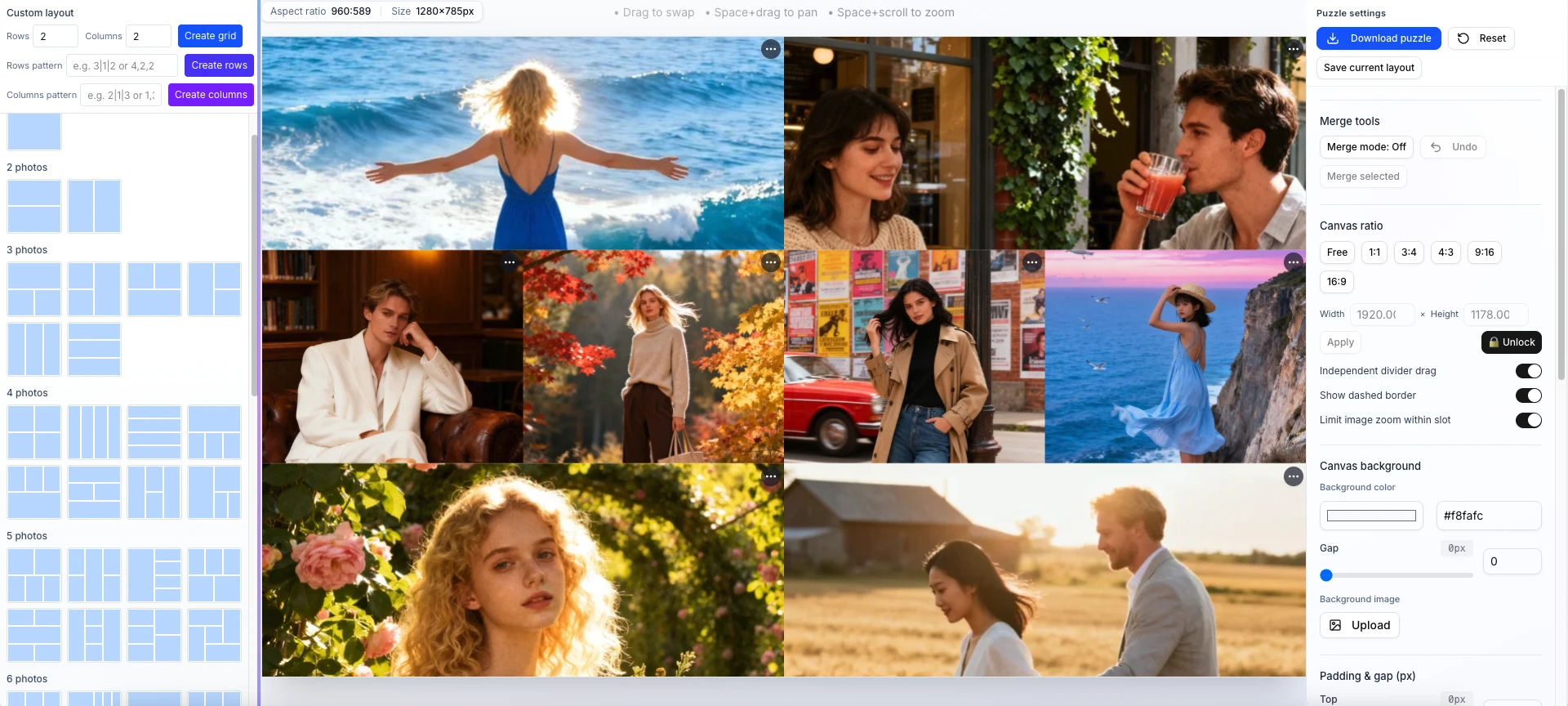
Intuitive interface, master in 3 seconds. Perfect for both beginners and professional designers.
All adjustments appear instantly, no waiting for rendering. Drag sliders to see effects immediately for intuitive and efficient editing.
Auto-detect image features and recommend optimal parameters. Apply preset effects with one click for effortless professional color grading.
Local processing technology, millisecond response. Real-time preview for every adjustment, silky smooth editing experience.
Puzzle, crop, split, watermark, color adjust, geometry transform - one-stop solution for all image editing needs.
Export in PNG, JPEG, WebP formats with maximum quality. Meets print-grade output requirements.
All processing done locally. Images never uploaded to servers. Your work privacy is absolutely protected.
Batch watermark, batch split supported. Process hundreds of images at once, save hours of work.
Comprehensive Image Editing Tools
From basic cropping to advanced color adjustments, we have everything you need for professional image editing.
Professional Filters
Curves, HSL, and temperature adjustments - Lightroom-level color grading. Create stunning visuals with professional-grade filters and unique styles.
Background Blur
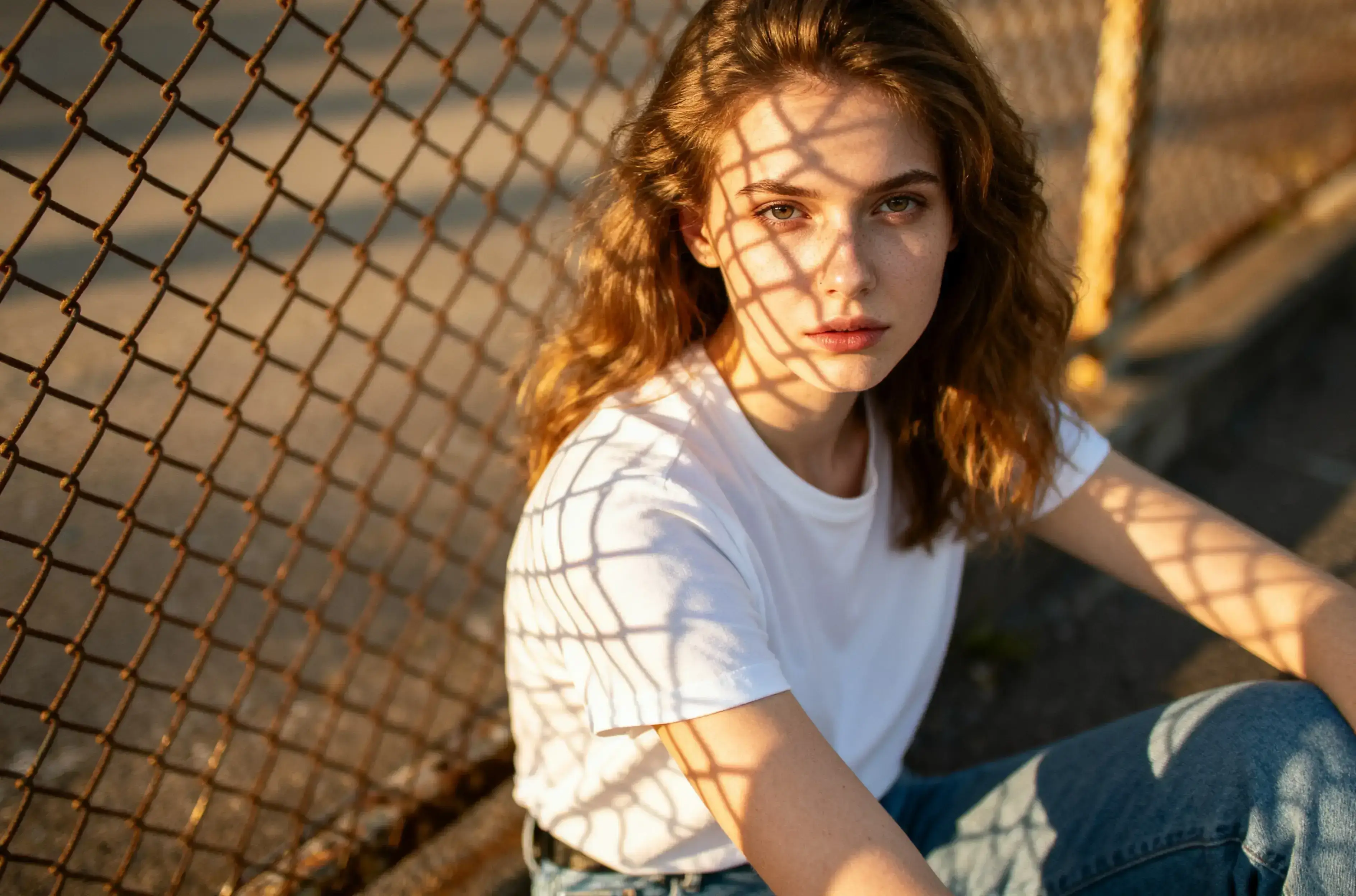
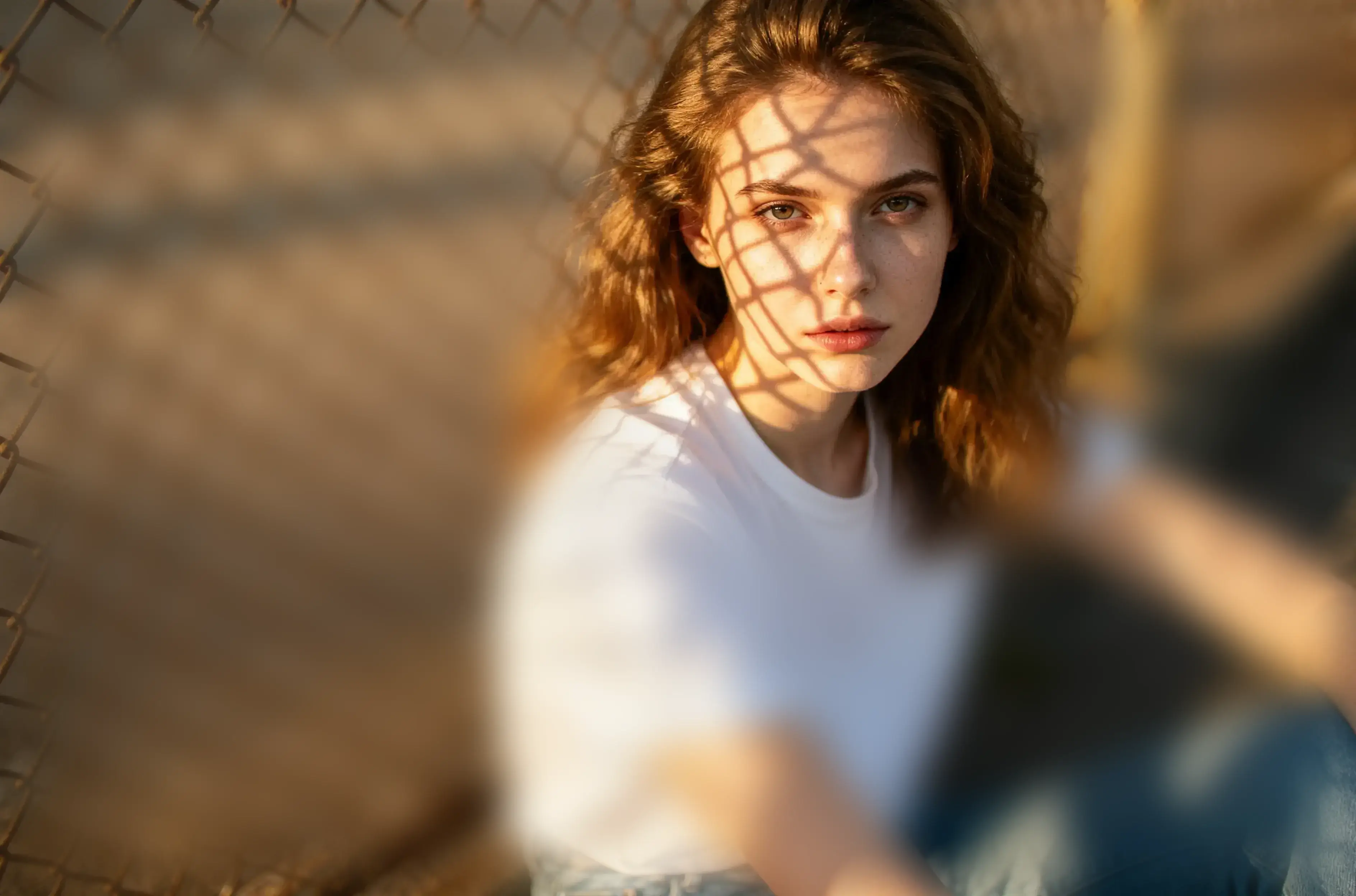
Smart background blur for depth-of-field effects. Adjust blur strength and focus area to make subjects stand out with professional portrait-style results.
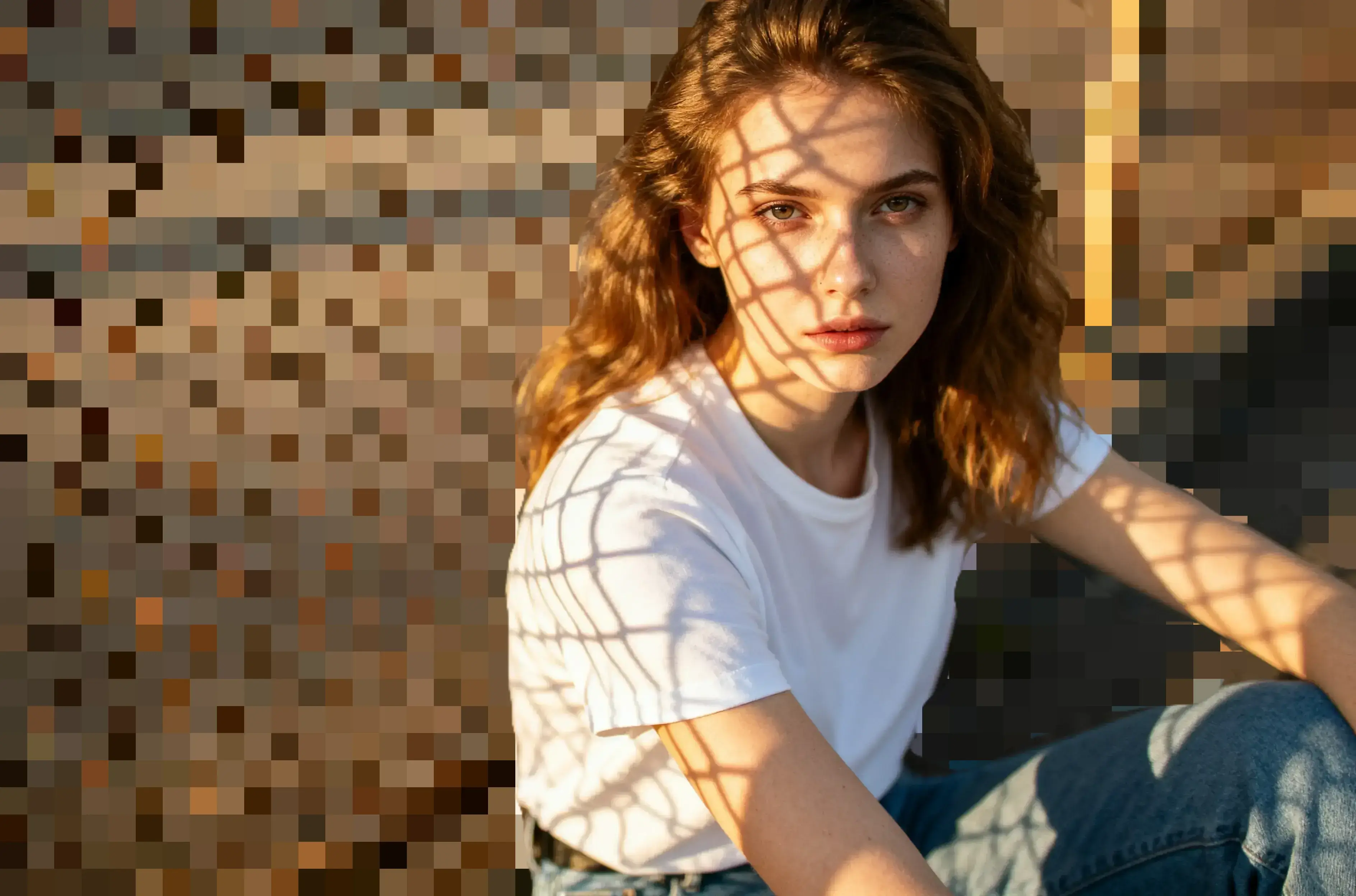
Mosaic Effect
Flexible mosaic tool with brush and eraser. Adjustable strength, size, and block dimensions for easy privacy protection and creative effects.
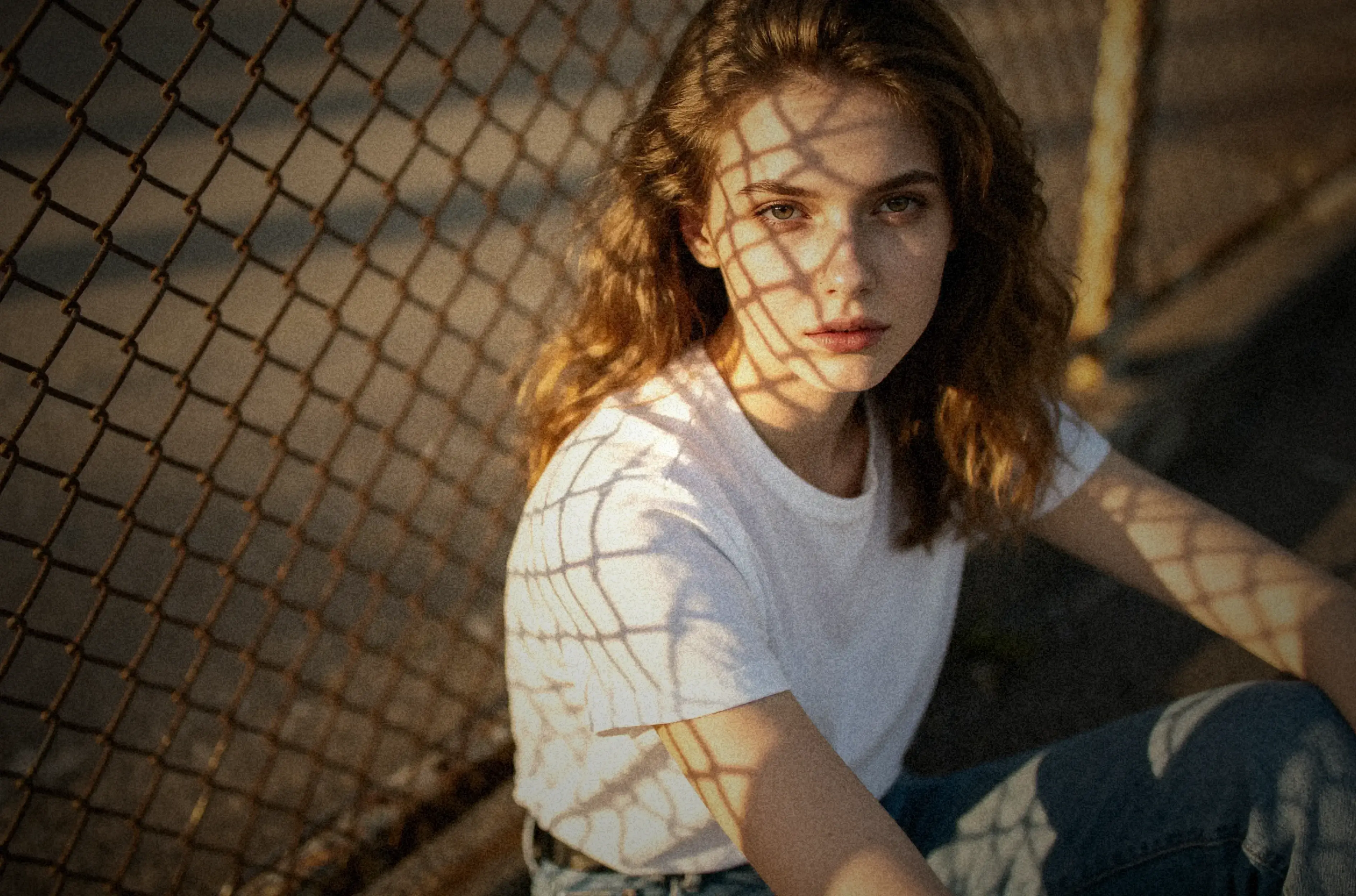
Vintage Film Style
One-click vintage film effects with sepia tones, fade, vignette, and grain. Recreate classic film aesthetics and add timeless character to your photos.
Text & Drawing Tools
Add text annotations or freehand drawings. Customize fonts, colors, rotation for text; adjust brush size and opacity for drawings. Express your creativity freely.
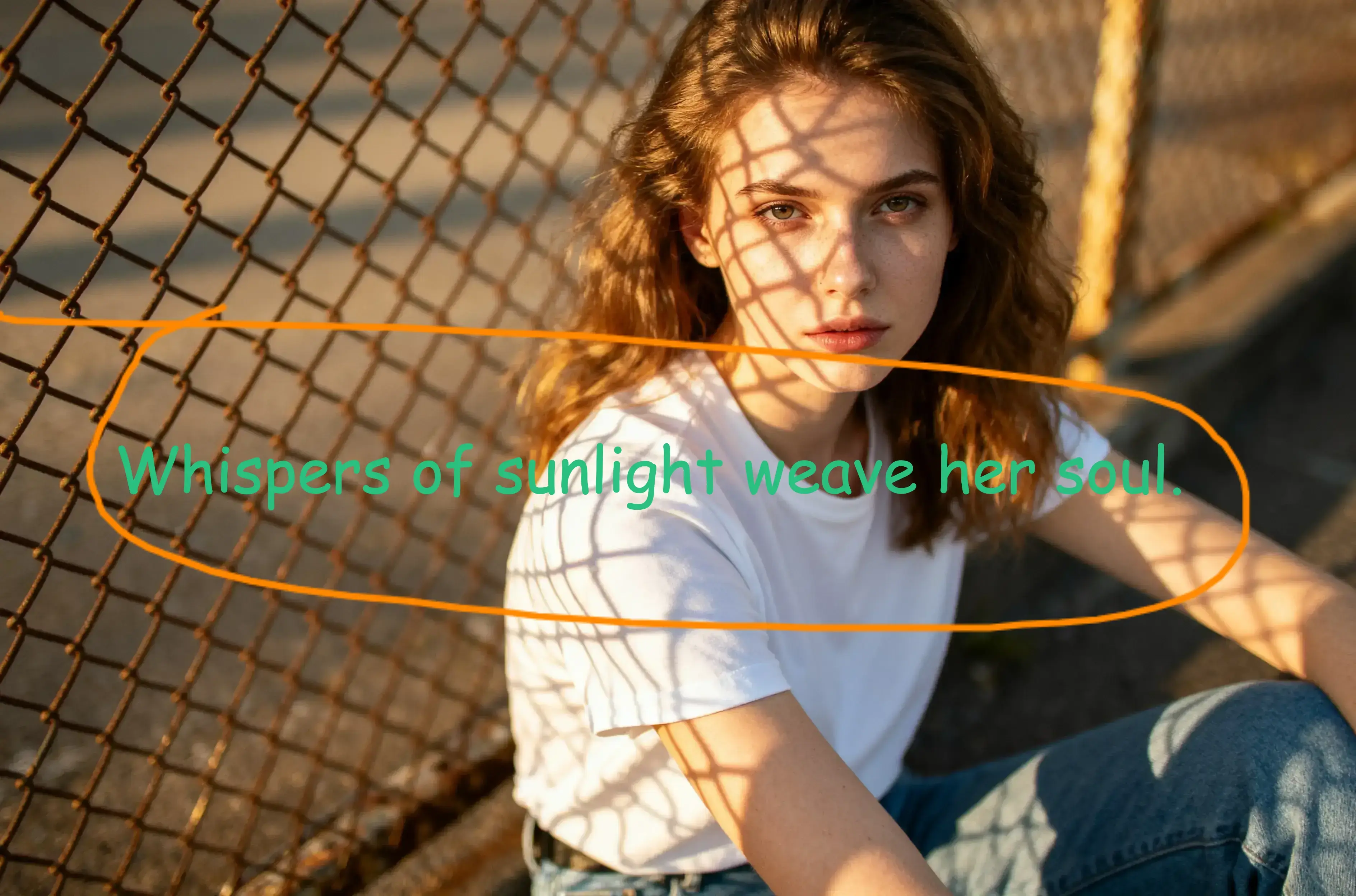

Image Cropper
Crop to any size or aspect ratio.

Image Splitter
Split images into multiple parts.

Size Transform
Rotate, flip and scale images precisely.

Watermark
Protect your images with watermarks.
0+
Professional image editing tools at your fingertips.
0k+
Trusted by creators and professionals globally.
0%
Core features available with daily limits. Upgrade for unlimited use.
Loved by Creators Worldwide
See what our users have to say about visdraw.
visdraw has become my go-to tool for quick image edits. The watermark feature is especially useful for protecting my photography work.
Sarah Chen
Professional Photographer
The image splitter is perfect for creating Instagram carousel posts. Saves me so much time!
Mike Johnson
Social Media Manager
I love that everything works in the browser. No need to install heavy software anymore.
Emma Wilson
Graphic Designer
The batch watermark feature is a game-changer for my e-commerce business.
David Lee
Online Store Owner
Simple, fast, and effective. Exactly what I need for my daily image editing tasks.
Lisa Anderson
Content Creator
The color adjustment tools are surprisingly powerful for a free online tool.
Tom Martinez
Digital Artist
I use the puzzle editor to create beautiful collages for my clients. The templates are fantastic!
Rachel Kim
Marketing Specialist
Fast, reliable, and completely free. What more could you ask for?
James Brown
Blogger
The geometry transform tool helps me prepare images for print perfectly.
Sophie Taylor
Print Designer
Privacy-focused and browser-based. This is the future of image editing.
Alex Turner
Tech Enthusiast
I recommend visdraw to all my students. It's perfect for learning image editing.
Maria Garcia
Art Teacher
The cropping tool is so precise and easy to use. Love it!
Chris Wang
Product Photographer
Frequently Asked Questions
Is visdraw really free? What are the limitations?
Do I need to install any software?
Are my images safe and private?
What image formats are supported?
Can I use visdraw for commercial projects?
How do I get support?
Edit Your Images Now
Open the editor and start creating in seconds.